 Xkeeps
Your saved finds.
Yours to keep.
Save your X bookmarks and likes. Read them offline, too.
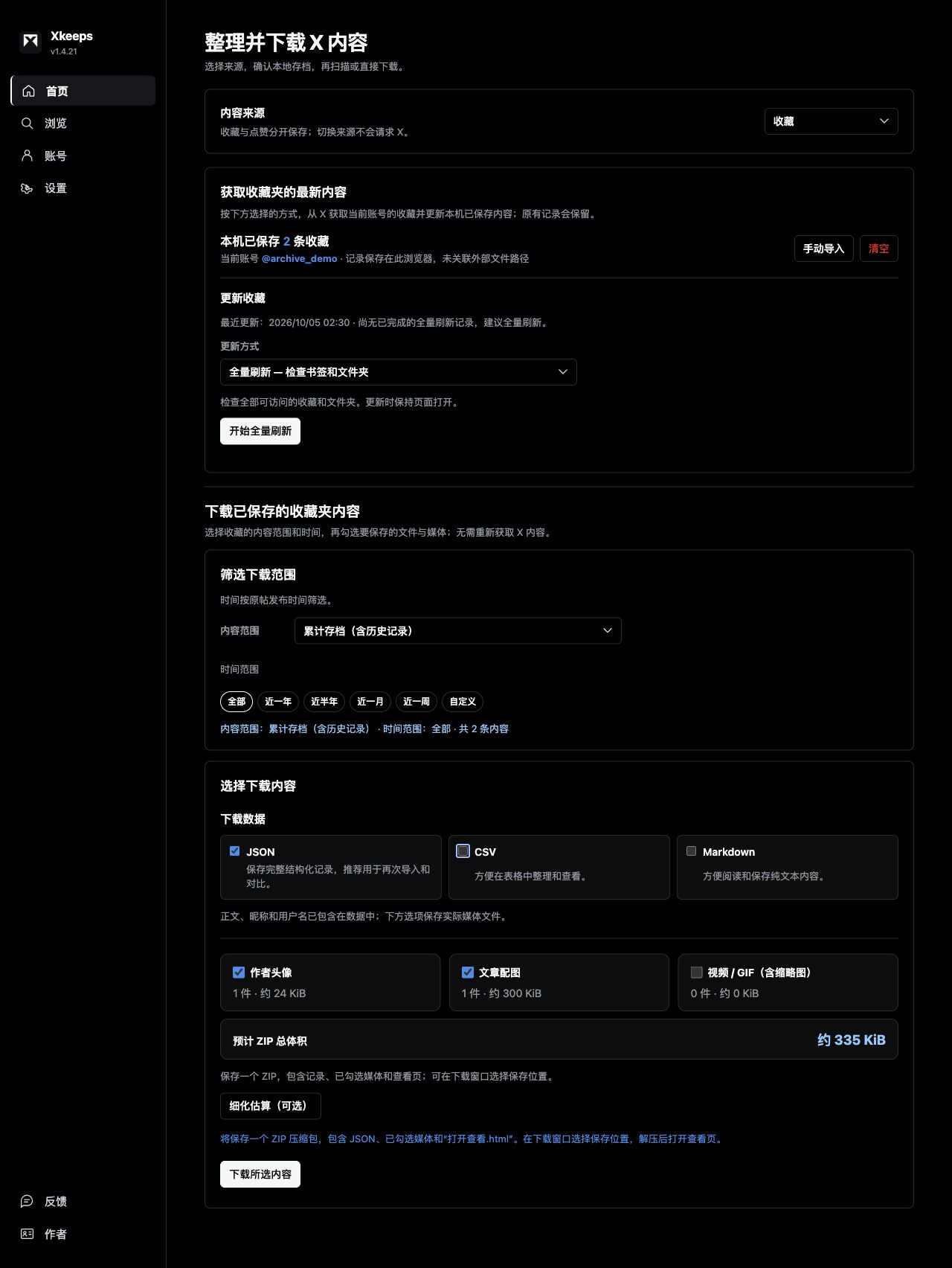
Product interface · Demo data · View full image
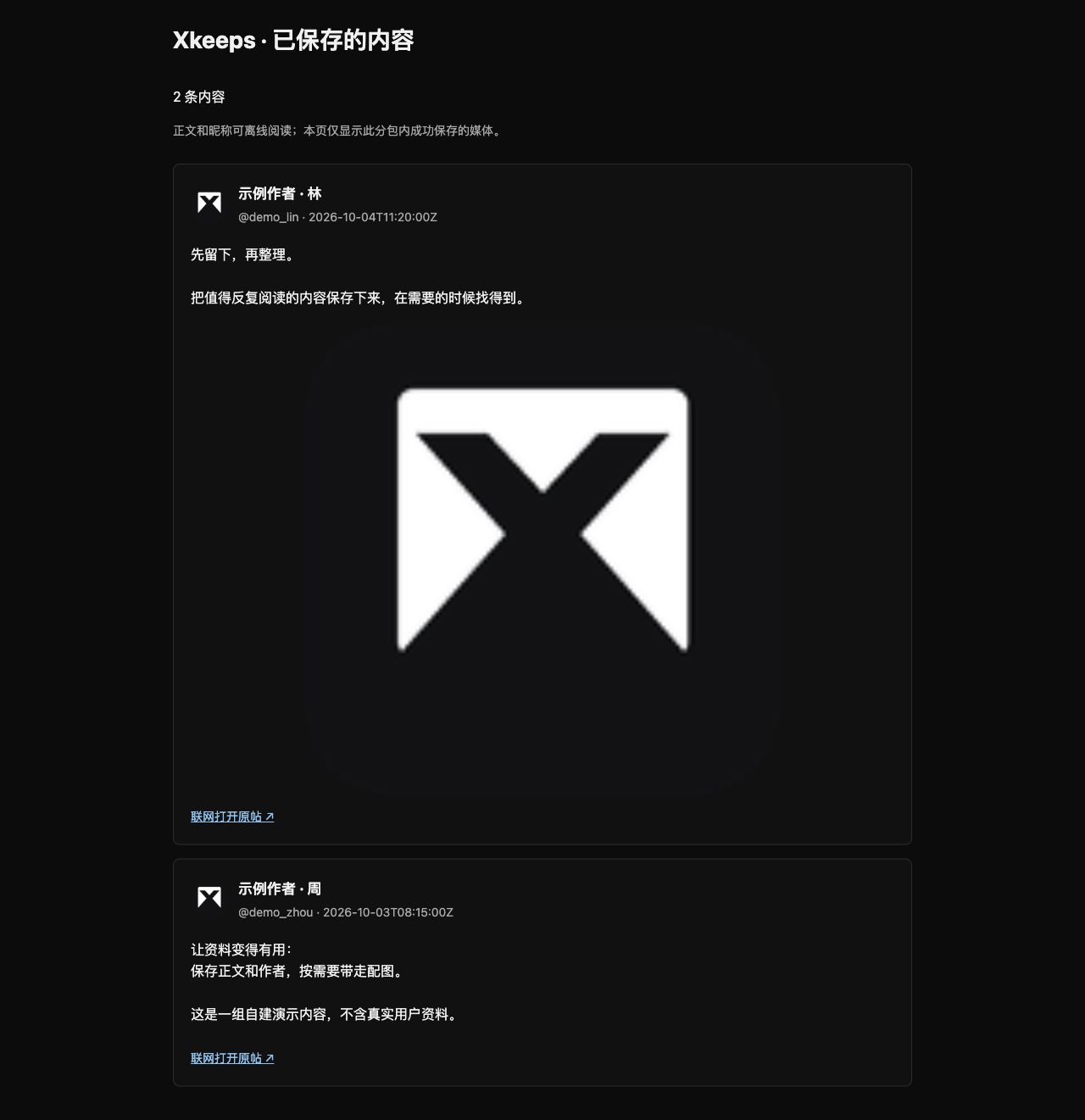
One ZIP with selected records, saved media and an HTML viewer.
From saved posts
to your own library.
Find the bookmarks and likes you need. Choose your file formats and media, then extract the download and open the HTML viewer.

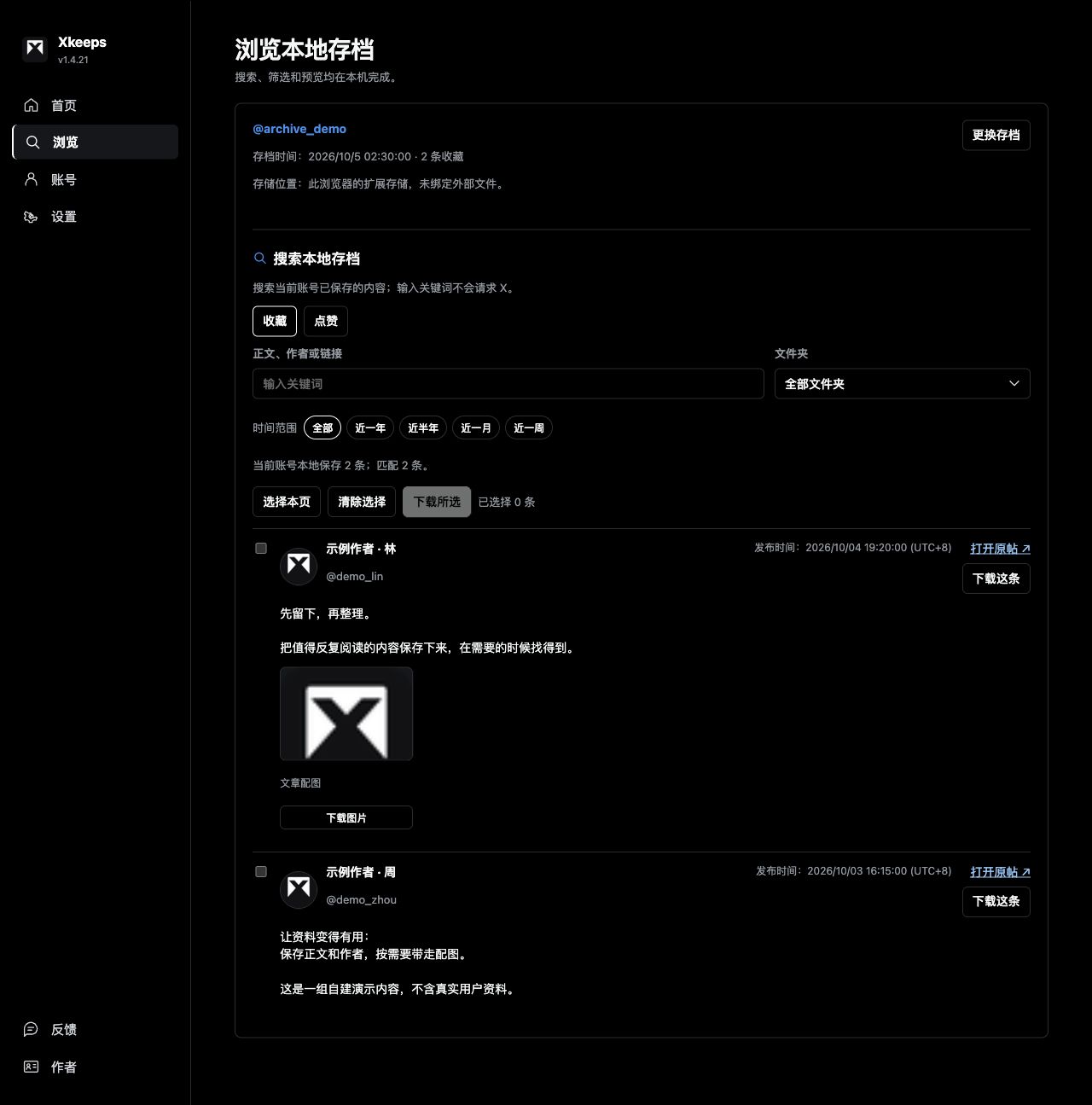
Find and filter
Select what you need by text, author, folder and time.

Extract and read
Records retain text and names. Successfully downloaded media work offline.
Find it. Take it with you.
Bookmarks and likes stay separate, managed per account. Updates select the latest snapshot; accumulated history remains available.
JSON for re-import and comparison; CSV for spreadsheets; Markdown for reading text.
Text and names are included in the records. Select avatars, post images and video as needed. Only successfully downloaded media are available offline.
A few steps. Ready to save.
For desktop Chrome on macOS / Windows. No additional account. Keep the extracted folder.
Download and extract
Extract the ZIP to a folder you will keep. Double-click on Mac; choose Extract All on Windows.
Open Chrome Extensions
Copy the address below into desktop Chrome, then enable Developer mode.
Load Xkeeps
Select Load unpacked, then select Xkeeps-v1.4.21-local, the folder directly containing manifest.json, rather than the ZIP or its parent folder.
Connect and try it
Pin and open Xkeeps. Sign in to X in your own browser and confirm the account and connection. Try an export with a small saved collection or demo JSON before fetching more.
chrome://extensions/Updating an existing installation?
Back up JSON and finish active collection/export tasks. Extract the new ZIP and replace runtime files in the original loaded directory without an extra nested folder. Reload the existing extension card and check its version. Keep the original path and extension identity; do not uninstall by default.
Frequently asked questions
Is this an official X product?
No. Xkeeps is an independently developed Chrome extension and is not affiliated with or endorsed by X Corp.
How do incremental and full updates differ?
Incremental updates check recent content. Full updates check older records and bookmark folders. Xkeeps recommends a mode based on saved records and your last completed full run; you can override it. X interface changes or access limits can result in partial coverage.
Does JSON contain images and videos?
JSON contains structured records and media addresses, not the image or video files. Select the media elements you want to save to download them in a ZIP.
Can I import CSV or Markdown?
JSON can be previewed and merged to restore records and continue updating. CSV and Markdown currently support reading previews, not full archive restoration.
Can I install it on a phone?
Xkeeps currently targets desktop Chrome. It is not an extension for mobile Chrome. Exported text and files can be read on other devices.
Latest snapshot or accumulated archive?
Successful updates select the latest collection snapshot. It contains that run’s observations, not just new additions. Switch to the accumulated archive to include earlier history.
Can I use it before the store release?
Load the local version in desktop Chrome. Phones and tablets can read this site, but mobile Chrome cannot install this extension.
Your content stays with you.
Collection requests go to X; media previews and downloads contact media servers. Archives and usage records stay in the current browser rather than a developer archive server.
Full privacy policyProject and store
The project repository is private, accessible to authorized users only. The local extension is free to use.
The Chrome Web Store version is not available yet. Use the local version on this page.
Other tools and sources
Shared capabilities are not exclusive advantages. Official descriptions checked on 2026-10-05.
| Tool | Capabilities |
|---|---|
| Xkeeps | Bookmarks and likes; JSON / CSV / Markdown; selected media and an HTML viewer. |
| xarchive | Officially described: accumulated bookmark JSON, incremental updates, local viewing and search; media URLs are retained. |
| TwitterMark | Officially described: bookmarks and likes, local search, incremental/full and scheduled sync, JSON. Other formats and media downloads were not verified. |